
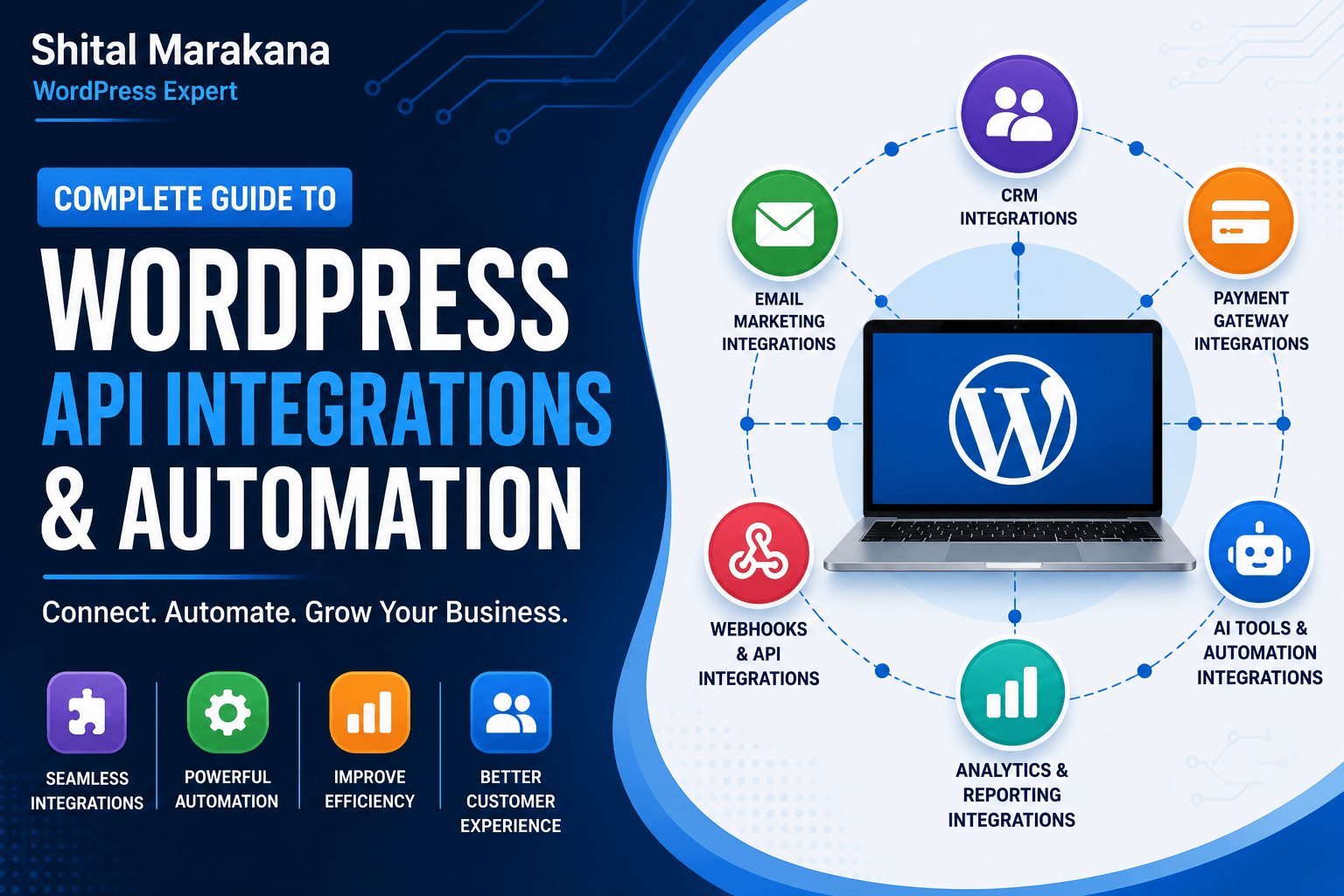
WordPress API Integrations & Automation
Modern websites are no longer standalone platforms. Businesses today need websites that connect seamlessly with CRMs, payment gateways, email marketing platforms, AI tools, analytics systems, and third-party applications.
This is where WordPress API integrations and automation become powerful.
By integrating APIs into your WordPress website, you can automate repetitive tasks, improve customer experience, reduce manual work, and create smarter business workflows.
What is an API in WordPress?
API stands for Application Programming Interface.
In simple terms, APIs allow different software applications to communicate with each other.
For example:
- Connect WordPress with CRM software
- Automatically send form leads to email tools
- Sync WooCommerce orders with accounting software
- Connect AI chatbots to customer support
- Automate social media posting
- Integrate payment systems securely
WordPress includes its own powerful REST API that enables developers to create advanced integrations and automation workflows.
Benefits of WordPress API Integrations
1. Save Time with Automation
Manual tasks can slow down business operations. APIs automate processes like:
- Lead collection
- Email marketing
- Order processing
- Customer notifications
- Content publishing
2. Improve Customer Experience
Integrated systems create faster and smoother experiences for users.
Examples:
- Instant form responses
- Automated booking confirmations
- Real-time order tracking
- AI-powered support systems
3. Connect Multiple Business Tools
Your website can become the central hub connecting:
- CRM software
- Email marketing tools
- ERP systems
- Payment gateways
- AI platforms
- Analytics dashboards
4. Reduce Human Errors
Automation minimizes mistakes caused by manual data entry.
Popular WordPress API Integrations
CRM Integrations
Connect your website with:
Benefits:
- Automatic lead capture
- Sales tracking
- Customer management
- Marketing automation
Email Marketing Integrations
Popular tools include:
These integrations help automate:
- Newsletter subscriptions
- Welcome emails
- Lead nurturing campaigns
- Customer follow-ups
Payment Gateway Integrations
Secure payment APIs allow online transactions through:
Essential for:
- eCommerce stores
- Membership websites
- Service-based businesses
AI & Chatbot Integrations
AI tools can automate customer engagement.
Examples:
- AI chatbots
- Automated support systems
- AI content generation
- Personalized recommendations
AI integrations improve support availability and user engagement.
WordPress Automation Workflows
Here are common automation examples businesses use:
| Trigger | Action |
|---|---|
| User submits form | Send data to CRM |
| Customer places order | Generate invoice automatically |
| New blog published | Share on social media |
| User registers | Send welcome email |
| WooCommerce sale | Update inventory system |
| Appointment booked | Send SMS/email reminders |
Best Tools for WordPress Automation
1. Uncanny Automator
A no-code automation plugin that connects WordPress plugins and external apps.
Best for:
- Workflow automation
- WooCommerce automation
- Marketing automation
2. WP Webhooks
Allows advanced API-based automation between WordPress and external systems.
Best for:
- Developer integrations
- Custom workflows
- API triggers
3. Zapier
Connects WordPress with thousands of apps without coding.
Popular automations:
- Google Sheets integration
- Slack notifications
- CRM syncing
- Email workflows
4. Make (Integromat)
A visual automation platform for complex workflows and API connections.
Ideal for:
- Multi-step automations
- Data processing
- Advanced integrations
WordPress REST API Explained
The WordPress REST API allows developers to:
- Access WordPress data externally
- Create headless WordPress websites
- Build mobile app integrations
- Connect external platforms
- Automate content management
Developers can retrieve:
- Posts
- Pages
- Users
- Products
- Custom data
This creates endless customization possibilities.
Security Best Practices for API Integrations
API integrations should always be secure.
Important practices:
- Use HTTPS/SSL certificates
- Protect API keys
- Enable authentication
- Limit API permissions
- Use trusted plugins only
- Keep WordPress updated
Security is critical because APIs exchange sensitive business and customer data.
Common Use Cases for Businesses
Small Businesses
- Automated lead management
- Email marketing integration
- Appointment scheduling
eCommerce Stores
- Inventory synchronization
- Payment processing
- Shipping automation
Agencies
- Client reporting dashboards
- Marketing automation
- CRM integrations
Membership Websites
- User access automation
- Subscription management
- Learning platform integrations
Final Thoughts
WordPress API integrations and automation can transform a basic website into a powerful business system.
By connecting your website with external tools and automating workflows, you can:
- Save time
- Improve efficiency
- Increase conversions
- Deliver better customer experiences
- Scale your business faster
Whether you run a business website, online store, or membership platform, automation helps you work smarter and grow more efficiently.