
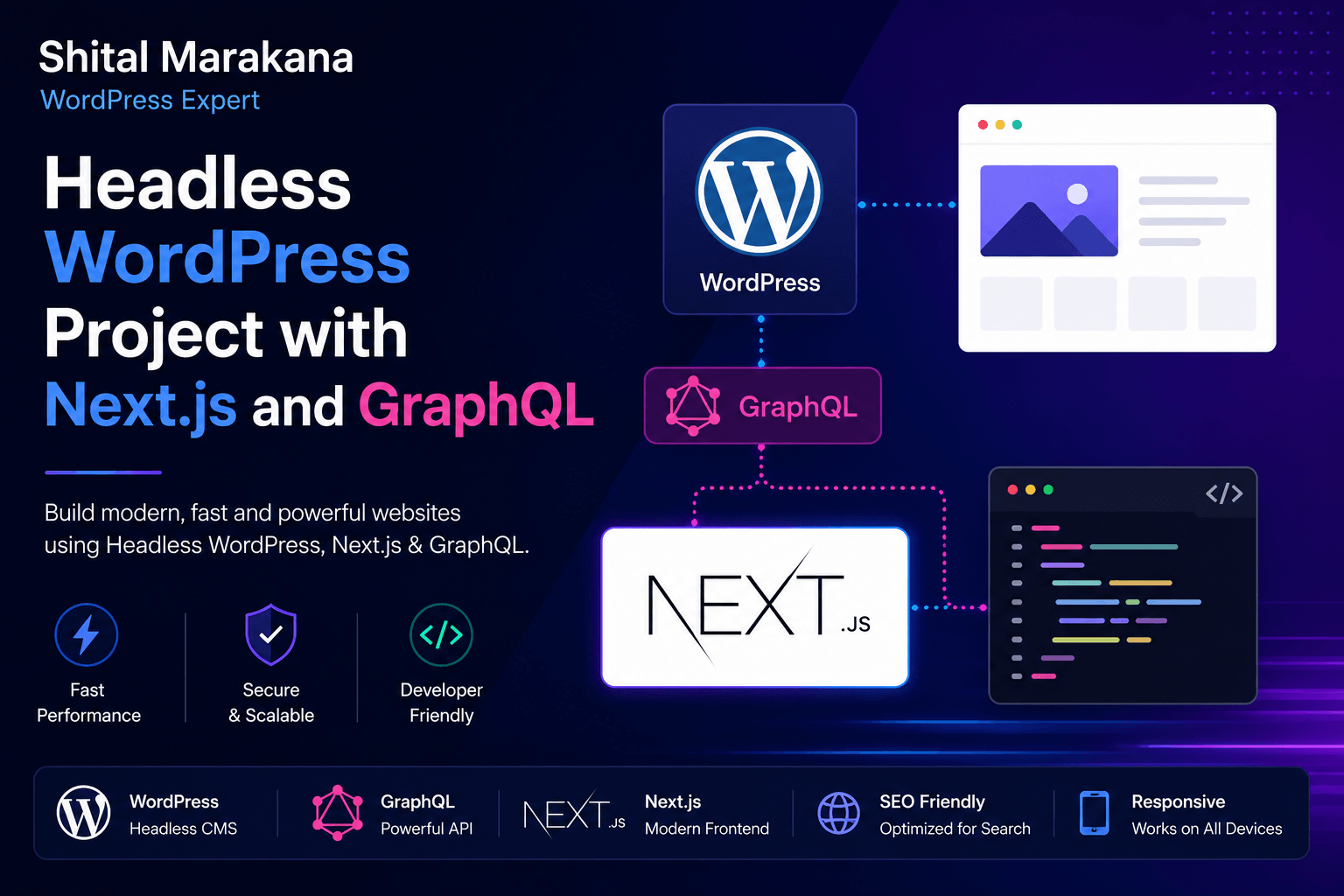
🚀 My First Headless WordPress Project with Next.js and GraphQL
🌐 Introduction
Modern web development is moving toward faster, scalable, and API-driven architectures. In this project, I built a Headless WordPress system using Next.js and GraphQL, separating the backend and frontend completely.
This approach removes theme limitations and gives full control over performance and UI design.
🧠 What is Headless WordPress?
Headless WordPress means:
- WordPress is used only as a content management system (CMS)
- Frontend is built separately using Next.js
- Data is fetched using GraphQL API
👉 In this project setup:
- Backend CMS → WordPress
- API Layer → WPGraphQL
- Frontend → Next.js
⚙️ Why I Used GraphQL Instead of REST
GraphQL gives more control over data fetching compared to REST APIs.
🚀 Benefits:
- Fetch only required data
- Single API endpoint (
/graphql) - Faster performance
- Cleaner frontend code
- Better scalability
🔌 WordPress Plugins Used
🧩 WPGraphQL
Enables GraphQL API in WordPress.
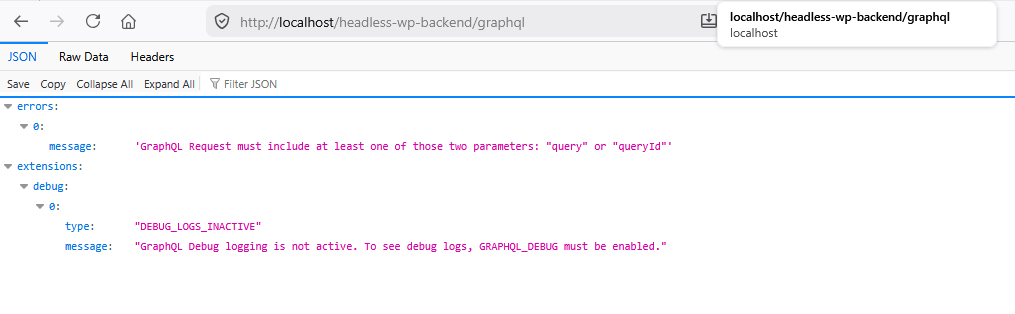
👉 Endpoint:
http://localhost/headless-wp-backend/graphql
🖼️ Advanced Custom Fields (ACF)
Used for:
- Custom post fields
- Flexible content structure
- Dynamic layouts
🔍 Yoast SEO (Optional)
Used for:
- Meta titles & descriptions
- Sitemap generation
- SEO optimization
💻 Next.js Setup Commands
📦 Create Project
npx create-next-app@latest headless-wordpress-graphql📁 Move into project
cd headless-wordpress-graphql▶️ Run development server
npm run dev👉 Frontend runs at:
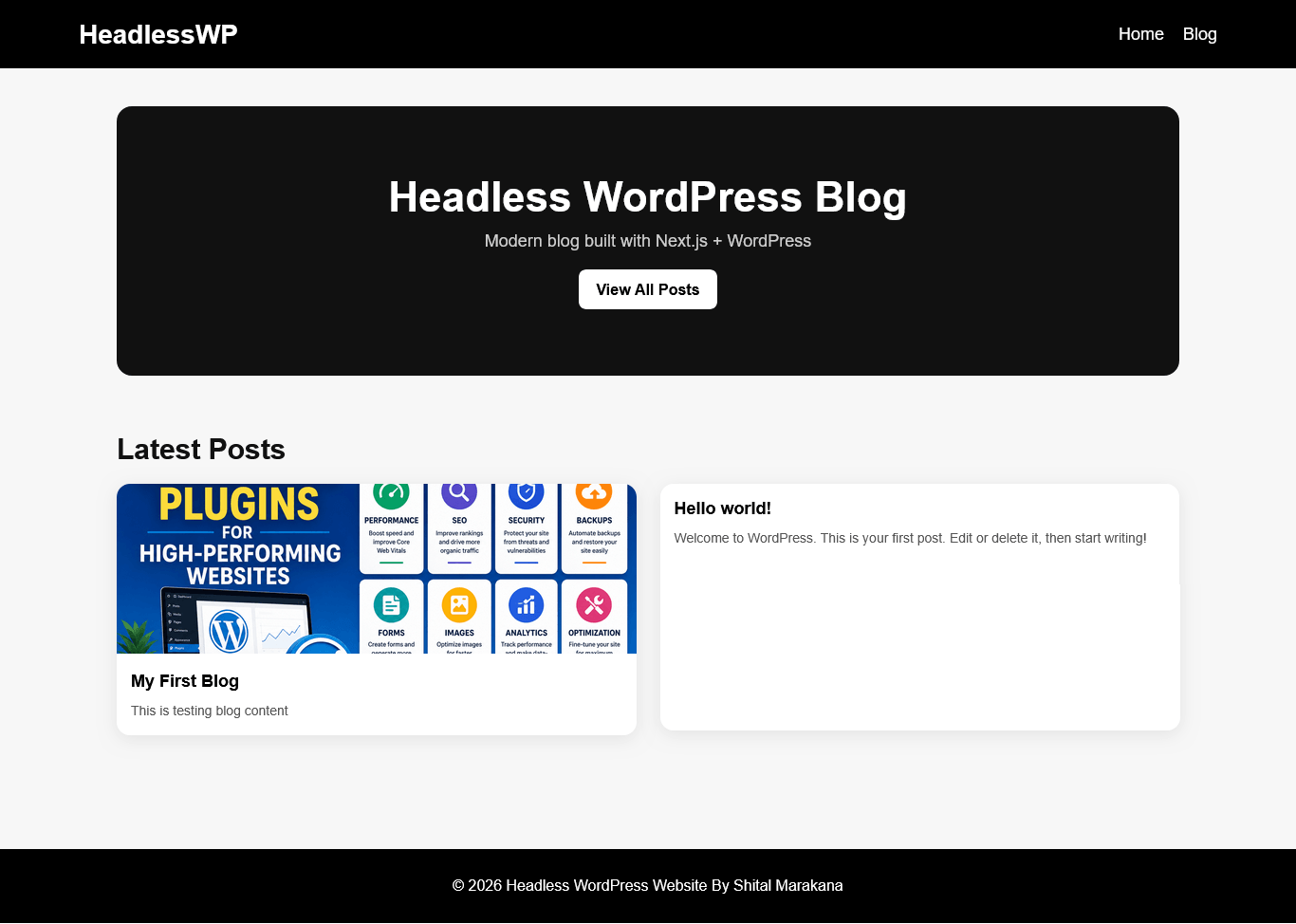
http://localhost:3000/
🏗️ Project File Structure
headless-wordpress-graphql/│├── public/│ ├── images/│ └── assets/│├── src/│ ├── app/│ │ ├── layout.js│ │ ├── page.js│ │ ├── blog/│ │ │ ├── page.js│ │ │ └── [slug]/│ │ │ └── page.js│ ││ ├── components/│ │ ├── Header.jsx│ │ ├── Footer.jsx│ │ ├── PostCard.jsx│ │ └── Loader.jsx│ ││ ├── lib/│ │ ├── graphql.js│ │ └── wordpress.js│ ││ ├── services/│ │ └── posts.js│ ││ ├── styles/│ │ └── globals.css│ ││ ├── utils/│ │ ├── seo.js│ │ └── formatDate.js│ ││ └── config/│ └── siteConfig.js│├── .env.local├── next.config.js├── package.json└── tailwind.config.js🔗 How Data Flow Works
WordPress CMS ↓WPGraphQL API ↓Next.js Frontend ↓User Browser🧪 Local Development URLs
🧠 GraphQL API → http://localhost/headless-wp-backend/graphql
⚙️ Frontend → http://localhost:3000/
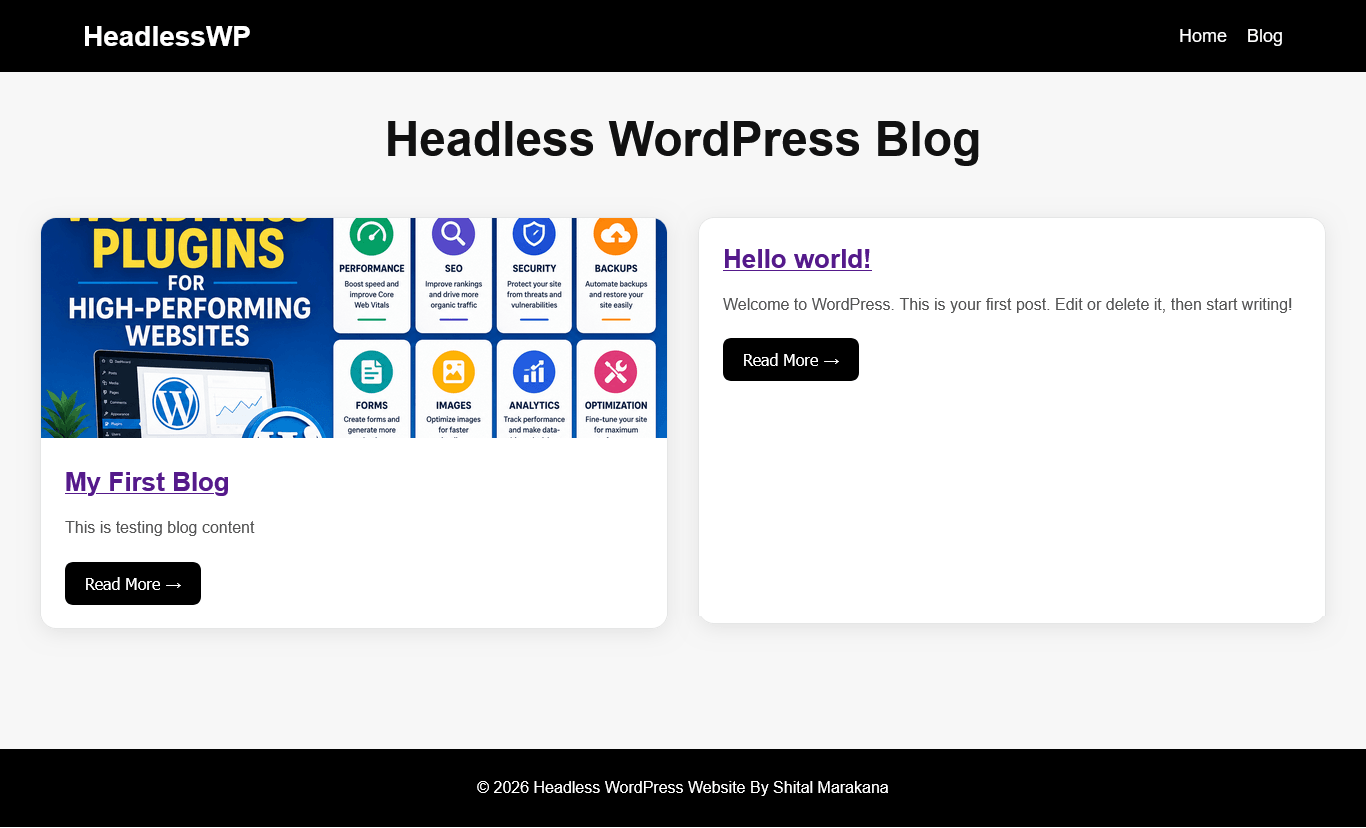
📰 Blog Page → http://localhost:3000/blog
📄 Post Page → http://localhost:3000/blog/my-first-blog
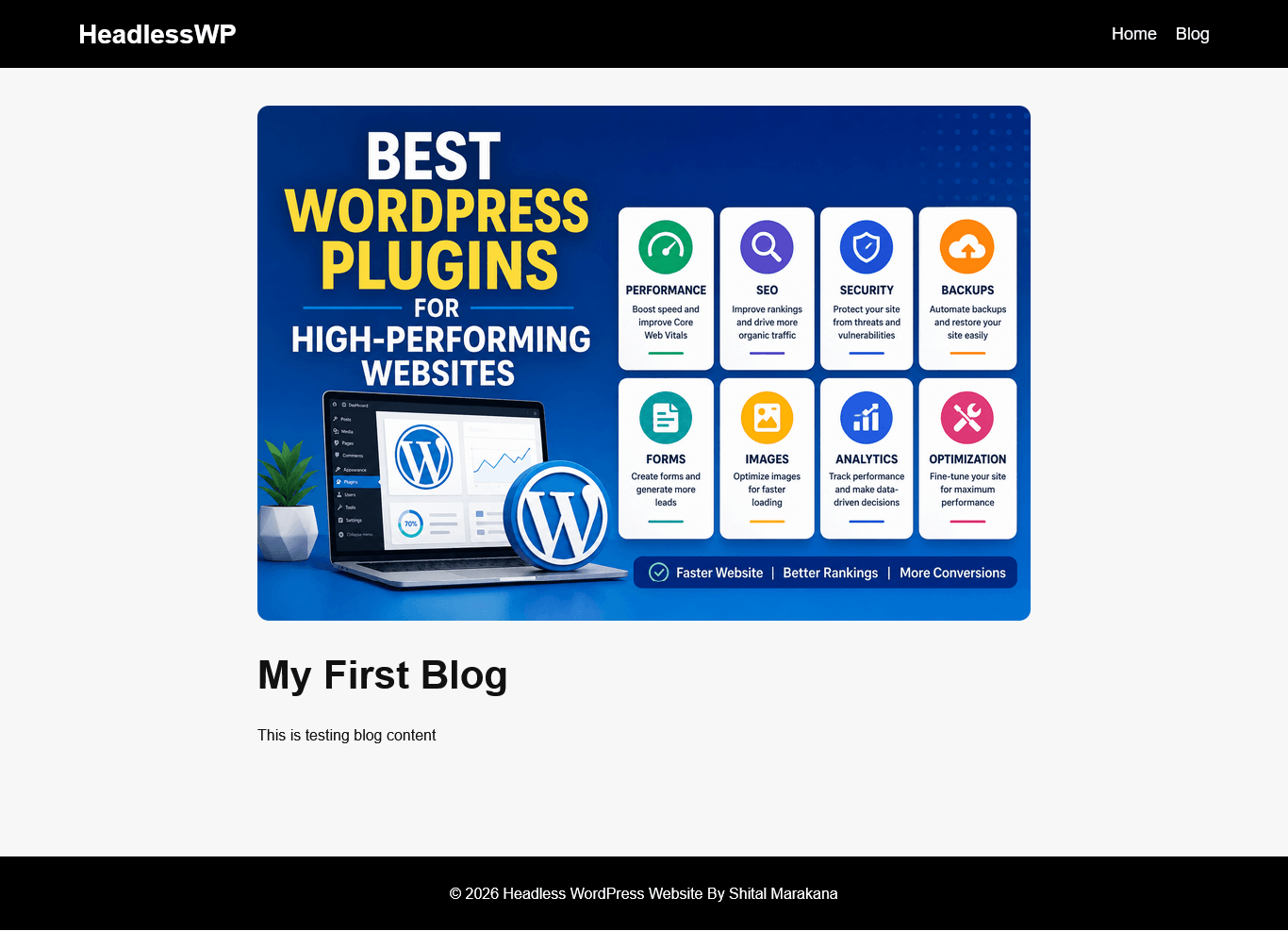
💡 What I Built
✔ Headless WordPress setup
✔ GraphQL API integration
✔ Next.js blog system
✔ Dynamic routing ([slug])
✔ Component-based architecture
✔ Responsive UI structure
⚡ Key Benefits of This Architecture
- 🚀 Faster website performance
- 🔐 Improved security
- 🎨 Full UI control
- 📈 Scalable system
- 🔄 API-driven architecture
🧠 What I Learned
This project helped me understand:
- Headless CMS architecture
- GraphQL API structure
- Next.js routing system
- Real-world frontend/backend separation
- Modern web development workflows
🎯 Conclusion
Building a Headless WordPress project with Next.js and GraphQL was a powerful learning experience.
It showed how traditional WordPress can evolve into a modern, scalable, and high-performance web architecture.