
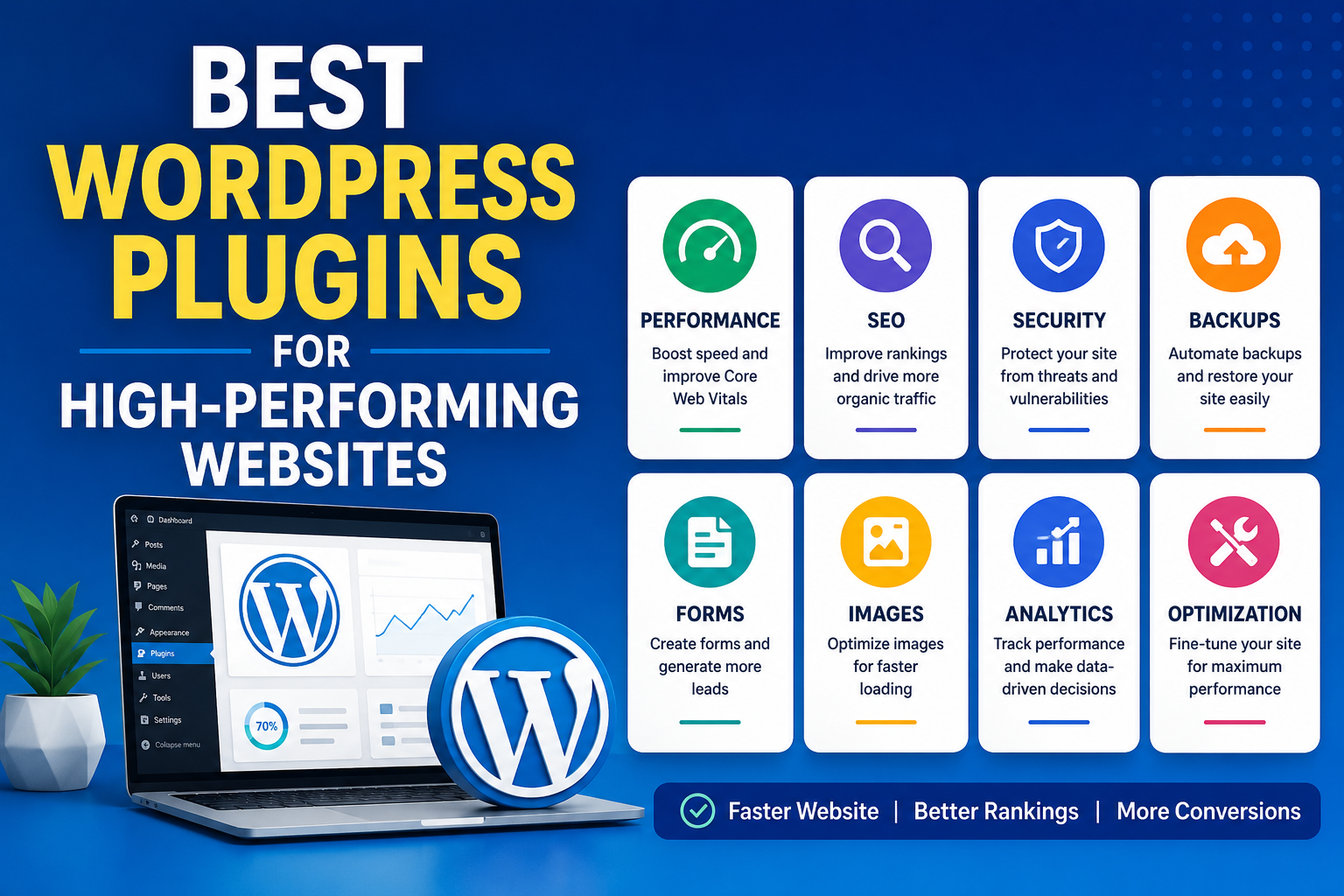
Best WordPress Plugins for High-Performing Websites
A high-performing WordPress website is more than just a beautiful design. Speed, SEO, security, and user experience all play a major role in how your website performs in search engines and converts visitors into customers.
The right plugins can help you:
- Improve website speed
- Boost Core Web Vitals
- Increase Google rankings
- Protect your website from security threats
- Generate more leads and conversions
However, installing too many plugins or using poorly optimized plugins can slow down your website and create technical problems.
In this guide, you’ll discover the best WordPress plugins for building a fast, secure, and high-performing website.
Why Choosing the Right Plugins Matters
Plugins extend the functionality of WordPress, but not every plugin is built the same way.
Good plugins help:
- Improve loading speed
- Optimize SEO
- Enhance security
- Improve user experience
- Increase website performance
Bad plugins can:
- Slow down your website
- Cause plugin conflicts
- Increase server usage
- Create security vulnerabilities
That’s why it’s important to use lightweight, well-supported, and regularly updated plugins.
1. WP Rocket — Best Performance Plugin
WP Rocket is one of the most popular WordPress caching and performance plugins.
It helps improve:
- Page speed
- Core Web Vitals
- Mobile performance
- User experience
Key Features
- Page caching
- Lazy loading
- CSS & JavaScript optimization
- Database cleanup
- CDN support
- Delay JavaScript execution
Why WP Rocket Is Recommended
Unlike many caching plugins, WP Rocket is beginner-friendly and works effectively immediately after activation.
Best for:
- Business websites
- Blogs
- WooCommerce stores
- Agency websites
2. Rank Math — Best SEO Plugin
SEO is essential for driving organic traffic to your website.
Rank Math is a powerful SEO plugin that combines advanced optimization tools with an easy-to-use interface.
Key Features
- SEO analysis
- XML sitemaps
- Schema markup
- Multiple focus keywords
- Redirect manager
- Local SEO support
Why Users Love Rank Math
It offers many premium-style features in the free version while remaining lightweight and performance-friendly.
Best for:
- Bloggers
- Agencies
- Business websites
- eCommerce stores
3. Wordfence — Best Security Plugin
Security is critical for every WordPress website.
Wordfence helps protect your website from:
- Malware
- Hackers
- Brute-force attacks
- Suspicious login attempts
Key Features
- Firewall protection
- Malware scanning
- Login security
- Real-time threat monitoring
A secure website builds trust and protects your business reputation.
4. ShortPixel — Best Image Optimization Plugin
Large image files are one of the biggest reasons websites become slow.
ShortPixel automatically compresses and optimizes images while maintaining quality.
Benefits
- Faster loading speed
- Better mobile performance
- Improved SEO
- WebP image conversion
- Reduced bandwidth usage
Image optimization can significantly improve Core Web Vitals scores.
5. UpdraftPlus — Best Backup Plugin
Backups are essential for protecting your website data.
UpdraftPlus allows you to:
- Create automatic backups
- Restore your website easily
- Store backups in the cloud
Features
- Scheduled backups
- One-click restore
- Google Drive integration
- Website migration support
Every professional WordPress website should have a reliable backup solution.
6. Fluent Forms — Best Contact Form Plugin
A high-performing website should also generate leads and inquiries.
Fluent Forms is a lightweight and fast form builder plugin.
Features
- Drag-and-drop form builder
- Multi-step forms
- Conditional logic
- Spam protection
- Payment integration
It’s perfect for:
- Contact forms
- Lead generation
- Quote requests
- Surveys
7. Perfmatters — Best Optimization Plugin
Perfmatters helps reduce unnecessary WordPress scripts and improve website speed.
Features
- Disable unused scripts
- Database optimization
- Lazy loading
- DNS prefetching
- Script management
It’s especially useful for improving Google PageSpeed Insights scores.
8. Site Kit by Google — Best Analytics Plugin
Site Kit connects your website directly with Google services.
Integrations
- Google Analytics
- Search Console
- AdSense
- PageSpeed Insights
Benefits
- Monitor traffic
- Track SEO performance
- Analyze website speed
- View revenue insights
Best Plugin Stack for Most Websites
For most WordPress websites, this setup works extremely well:
| Purpose | Recommended Plugin |
|---|---|
| Performance | WP Rocket |
| SEO | Rank Math |
| Security | Wordfence |
| Images | ShortPixel |
| Backups | UpdraftPlus |
| Forms | Fluent Forms |
| Analytics | Site Kit by Google |
Tips for Better WordPress Performance
To get the best results from your plugins:
- Use lightweight themes
- Avoid installing unnecessary plugins
- Optimize images before uploading
- Use quality hosting
- Keep plugins updated
- Regularly clean your database
A fast website improves both SEO and user experience.
Final Thoughts
The best WordPress plugins help create websites that are:
- Faster
- More secure
- SEO-friendly
- Easier to manage
- Better at converting visitors into customers
Choosing the right plugin stack can dramatically improve your website’s performance and business growth.
If you want a high-performing WordPress website, focus on using lightweight, trusted, and regularly updated plugins that improve speed, SEO, and security.