
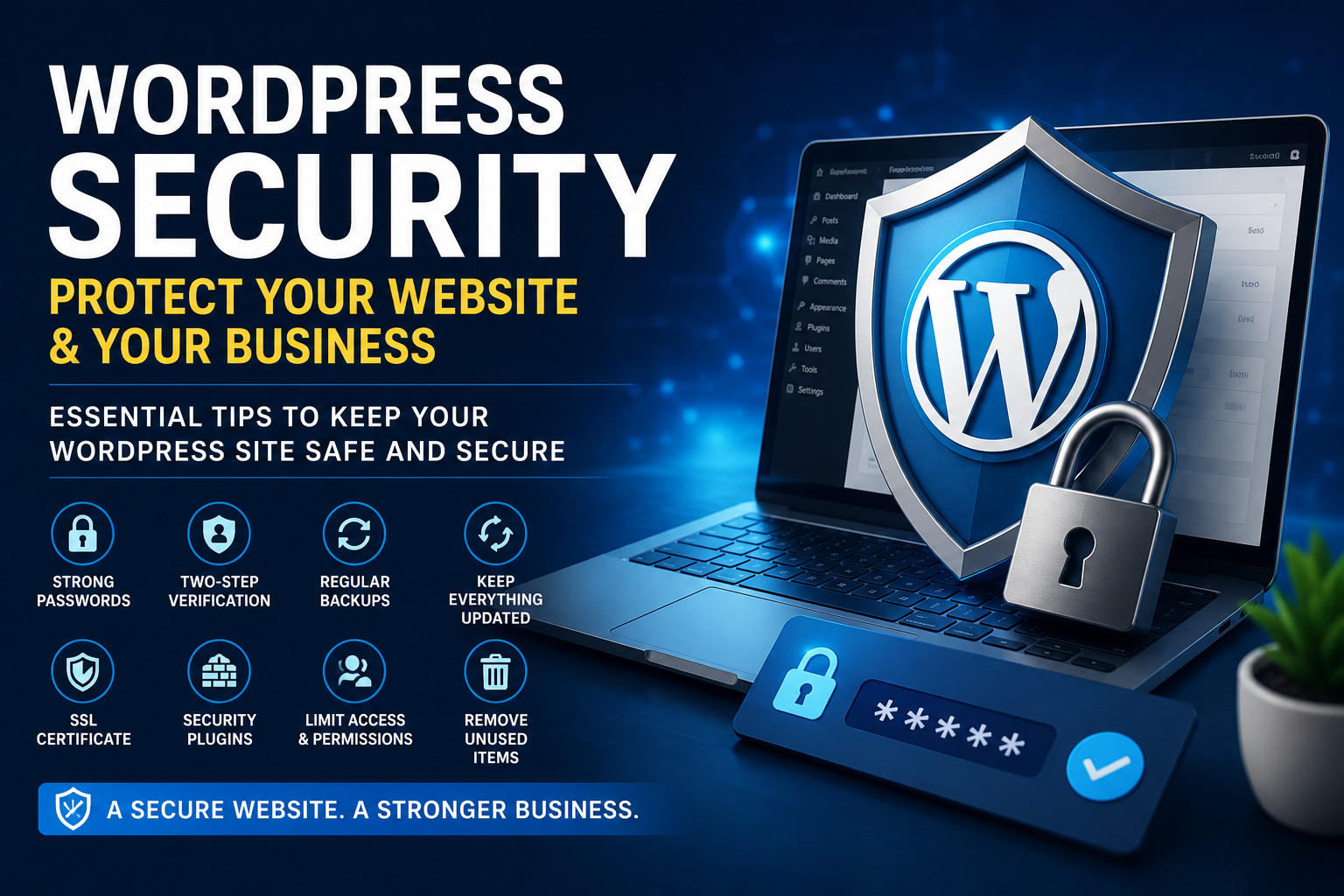
🔐 WordPress Security: How to Protect Your Website and Your Business
Your WordPress website is more than just an online presence—it’s a core part of your business. Whether you run a small business, a personal brand, or an eCommerce store, your website holds valuable data, customer information, and revenue opportunities.
But here’s the truth:
Websites of all sizes are targets for attacks.
The good news?
You don’t need to be a cybersecurity expert to protect your site. You just need to follow the right fundamentals.
🚨 Why WordPress Security Matters
Many website owners think hackers only target large companies. That’s not true.
Most attacks are automated. Bots scan thousands of websites looking for:
- Weak passwords
- Outdated plugins or themes
- Poor security configurations
If your site has any of these vulnerabilities, it becomes an easy target.
🛡️ Essential WordPress Security Best Practices
1. Use Strong Passwords
Weak passwords are one of the most common reasons websites get hacked.
✔ Use a mix of:
- Uppercase and lowercase letters
- Numbers
- Special characters
Avoid using names, birthdays, or simple combinations like “123456”.
2. Enable Two-Factor Authentication (2FA)
Two-factor authentication adds an extra layer of security.
Even if someone gets your password, they can’t log in without a second verification step (like a code on your phone).
3. Keep Everything Updated
Always update:
- WordPress core
- Plugins
- Themes
Updates often include security patches that fix known vulnerabilities.
4. Take Regular Backups
Backups are your safety net.
If your site gets hacked or crashes, you can restore it quickly without losing data.
👉 Best practice:
- Daily backups for active websites
- Weekly backups for smaller sites
5. Install an SSL Certificate
An SSL certificate encrypts data between your website and users.
It:
- Protects sensitive information
- Improves SEO rankings
- Builds user trust
Look for “https://” in your website URL—that means SSL is active.
6. Use Trusted Security Plugins
Security plugins help monitor and protect your site.
Popular options include:
- Wordfence
- Sucuri Security
They offer features like:
- Malware scanning
- Firewall protection
- Login security
7. Limit Login Attempts
Brute-force attacks try thousands of password combinations.
Limiting login attempts helps block these attacks and protect your admin panel.
8. Remove Unused Plugins and Themes
Unused plugins can become security risks.
✔ Delete anything you’re not using
✔ Only install plugins from trusted sources
9. Manage User Roles and Permissions
Not everyone needs full access to your website.
✔ Assign roles carefully
✔ Regularly review user access
✔ Remove inactive users
⚠️ Common Mistakes to Avoid
Many website owners unintentionally leave their sites vulnerable:
- Using nulled or pirated themes/plugins
- Ignoring updates
- Not taking backups
- Using shared login credentials
These small mistakes can lead to big problems.
🔁 Security Is an Ongoing Process
Website security is not something you set once and forget.
You should:
- Monitor your website regularly
- Update everything frequently
- Audit security settings monthly
Consistency is key.
💼 Final Thoughts
Your website is one of your most valuable business assets.
Protect it the same way you protect:
- Your physical store
- Your money
- Your customer data
Because in today’s digital world,
a secure website means a secure business.
🚀 Need Help Securing Your WordPress Website?
If you want a fully secure, optimized, and professionally managed WordPress website, I can help.
From security setup to performance optimization, I ensure your website is:
✔ Safe
✔ Fast
✔ Reliable